
Quick answer: To understand how to drive traffic from social media to a Shopify store, connect each post to a relevant next step. Start with a specific buyer question, create a platform-appropriate answer or demonstration, and send the visitor to the product or landing page that fulfills the post’s promise. Use consistent campaign parameters on tagged links, test the mobile path from social app to page to cart, and measure sessions and store actions with the limits of attribution in mind. A click is not a sale, and a platform view is not proof of demand. Improve the weakest step in the path before simply publishing more posts.
Social content can earn attention and still send the wrong visitor to the wrong page. Someone watches a clip about installing a replacement part, taps a generic homepage link, then has to search through an entire catalog. That is a path problem, not necessarily a content problem. A better plan maps the promise in the post to the destination, the product detail, the checkout, and the event that will tell the team what happened.
How to drive traffic from social media to a Shopify store
Choose one product or collection and one audience question. The question might involve fit, material, sizing, setup, compatibility, care, shipping region, or how a product solves a particular job. Write the answer in plain language before choosing a format. A post should help the viewer recognize the problem and make a reasonable next decision, not merely repeat a product name.
Next, identify the destination that can complete that task. A product page suits a specific item; a collection page helps when the post compares a family of products; a focused landing page may work when the social content explains a bundle or use case. A homepage often makes a weak destination for a narrow product promise because it forces another search step. There are exceptions, such as a brand introduction or a campaign where the homepage is deliberately configured for that audience.
Check consistency across the whole journey. The language, product image, price or offer, variant, availability, shipping terms, and return information should not contradict the post. When social copy says “choose your finish,” the page should make finish options easy to find. When a video shows a kit, the destination should make clear whether the pictured accessories are included or sold separately.
Shopify Markets documentation describes configuring market experiences such as currency, language, pricing, product availability, and domains. Those controls can help teams align a visitor’s destination with a target market, but the correct configuration depends on the store’s setup, inventory, policies, and eligibility. Verify the actual storefront from the intended region or with an appropriate test environment; do not assume a link automatically localizes every visitor’s experience.[1]
Match the content format to the job
A social post has a short window to set an expectation. A demonstration can make a feature visible. A comparison carousel can help a person distinguish options. A creator explanation can show context of use. A live session can address detailed questions, if the team can moderate and follow up. Choose the format based on the audience’s decision, the product’s proof requirements, the platform’s current capabilities, and production capacity.
Do not assume that every platform format sends external traffic equally well. Some posts are designed for in-platform discovery; some support a link prominently; some formats have restrictions or changing link behavior. Confirm the current platform rules and interface before building a campaign around a feature. The link in a profile, product tag, creator bio, or post can behave differently by account type, region, or platform rollout.
The content itself should carry useful information. If a post only says “shop now,” it gives the viewer little reason to click or much to understand before arriving. Try a question-led hook, a specific use case, a product comparison, or a short demonstration. Keep factual claims narrow and substantiated. Avoid implying a result, durability, compatibility, or health benefit that the product evidence does not support.
| Social content | Good next page | Primary question to answer | Useful measure |
|---|---|---|---|
| Single-product demonstration | Matching product detail page | Did the visitor inspect the item or choose a variant? | Product-page sessions, variant selection, add to cart |
| Comparison carousel | Collection or comparison landing page | Did the visitor move from comparison to a product? | Landing sessions, product views, click path |
| Creator use-case video | Creator-specific landing page or tagged product page | Which creator link produced visits and store actions? | Tagged sessions, creator code use, attributed orders |
| Seasonal campaign | Market-appropriate campaign page | Did the offer and availability match the post? | Sessions, offer interactions, orders, returns |
| Educational answer | Guide or FAQ with relevant product links | Did the answer reduce uncertainty before shopping? | Engaged visits, onward product views, assisted orders |
Make the mobile landing page finish the promise
Many social visitors arrive on a phone, inside an in-app browser, with little patience for a long detour. Test the destination on the device class and route that matter. Open the link from the actual social app or a representative environment. Check that the page loads, displays the intended market and currency, exposes the item shown in the post, offers readable variant controls, and keeps the purchase action easy to locate.
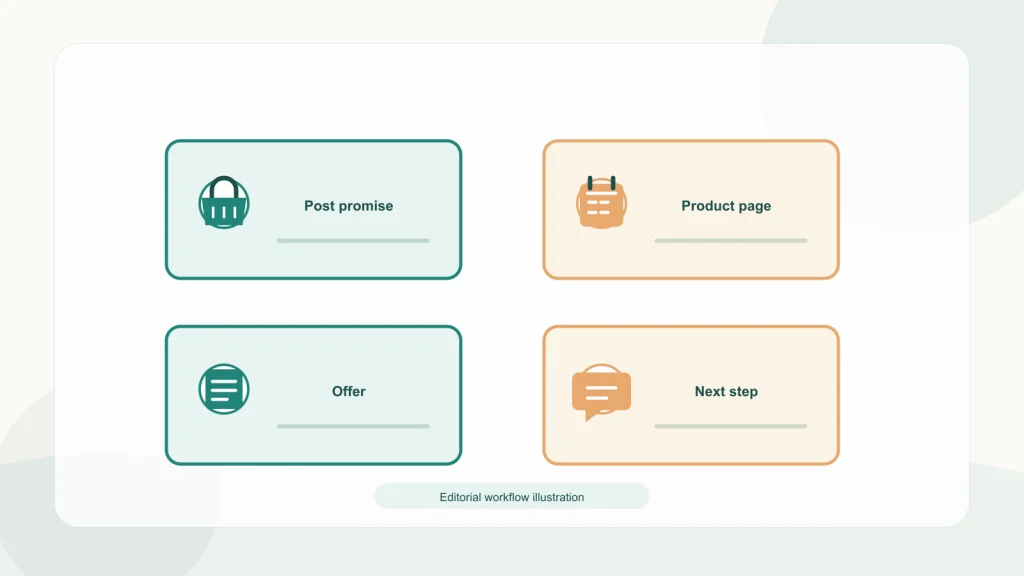
Look for friction that does not appear in a desktop review: a pop-up covering the product, a sticky bar blocking a size selector, slow-loading images, a country selector that resets the cart, or a login wall before basic product details. Review the full sequence through the checkout handoff. You do not need to place a live order to validate every element; use the store’s approved test mode or a controlled internal test so you do not create a false sale or send real customer data.
Keep the product promise and product evidence together. If the post says “fits model X,” make the compatible model visible. If it describes a material, show enough detail for a shopper to understand it. If the product has limitations, surface the important one before checkout rather than burying it in an FAQ. Reducing uncertainty can be more useful than adding another promotional banner.
For international visitors, confirm availability, currency, language, shipping, taxes, and return terms for the selected market. A social post may travel beyond its intended geography through sharing. A destination that silently displays unavailable inventory or an unexpected shipping restriction can undermine trust. Use a regional landing page or clear notice when an offer is limited.
Tag links consistently without exposing private information
Campaign parameters help analytics tools identify visits that arrive through tagged links. Google Analytics documentation describes parameters such as source, medium, and campaign, and explains how custom URLs can distinguish campaign traffic. Establish a naming convention before producing dozens of links. For example, use a platform name as the source, a consistent channel label as the medium, and a campaign or content identifier that does not include personal information. Keep the tag readable for analysts and stable enough to compare.[2]
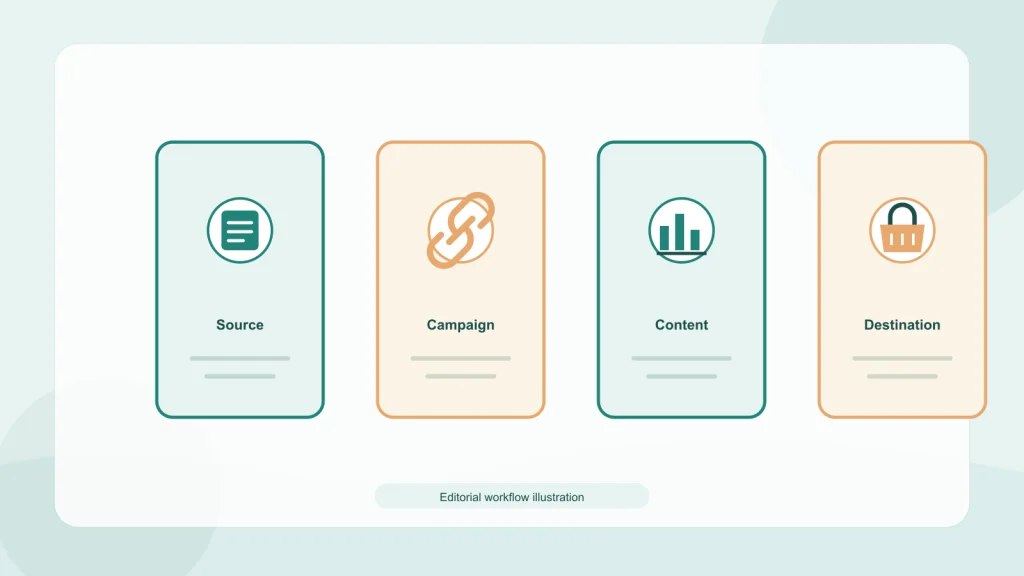
Do not insert email addresses, names, order numbers, or other personal data into a UTM value. Campaign labels often appear in URLs and analytics interfaces. Use internal identifiers that describe the campaign without identifying a person. If customer-specific links are needed, use the company’s approved secure attribution method and privacy review rather than constructing public URLs with personal details.
Test every tagged URL. Confirm that it resolves to the correct page, preserves the selected product or variant when intended, works with redirects, and appears in analytics as expected. A small spreadsheet can document the clean URL, tagged URL, owner, market, destination, campaign name, and test date. Avoid making a different capitalization or delimiter for every post; inconsistent naming fragments the report.
UTMs are labels, not a causal proof system. They can miss views that lead to later direct visits, copied links, cross-device purchases, app-to-browser behavior, or dark social sharing. They can also be stripped or altered. Report tagged sessions as tagged sessions, and combine them with other evidence when assessing impact.
| Parameter or check | Example convention | Before publishing |
|---|---|---|
| Source | instagram, tiktok, youtube | Use the platform name consistently |
| Medium | organic-social, creator, paid-social | Distinguish materially different traffic programs |
| Campaign | fall-launch-2026 | Use a readable, privacy-safe campaign label |
| Content | reel-demo-a or creator-042 | Use only when it helps distinguish a creative or partner |
| URL test | Open on mobile; verify final destination | Check redirects, product variant, market, analytics capture |
Use creator links and codes as complementary signals
A creator-specific link can help identify visits associated with a creator placement. A code can help identify orders where the customer used that code. Neither method captures every influence or proves that the creator caused the sale. Some viewers may remember the product and return directly; others may use the code without having seen the creator. Use link and code data as separate signals and explain their overlap.
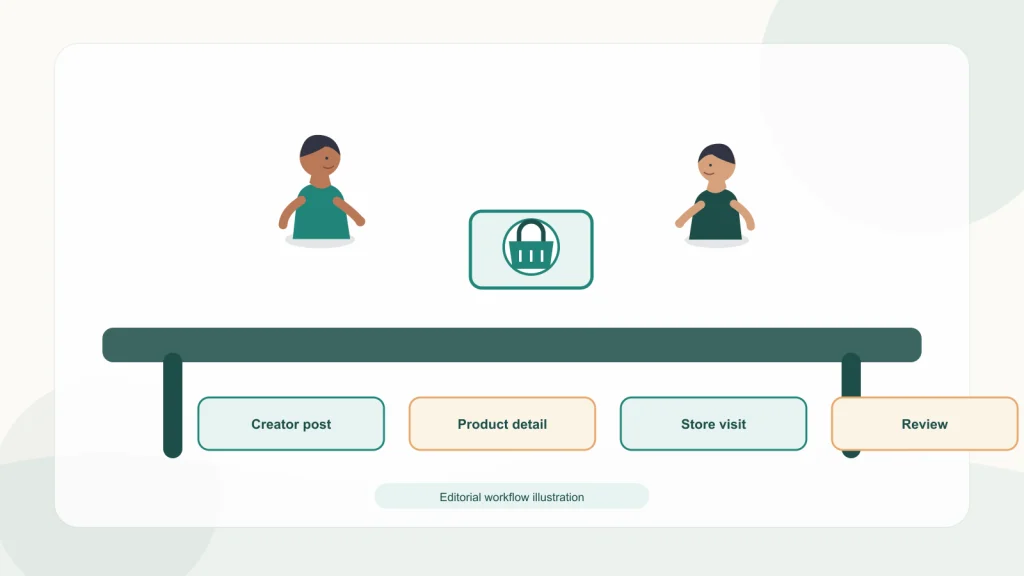
Agree with creators on the destination, tracking format, campaign period, disclosure, content usage rights, and how changes will be handled. Make the landing page match the creator’s actual recommendation. Do not send a creator’s audience to a generic page simply because it is easier to build. If the campaign spans markets, confirm that the product, offer, and creator rights apply in each geography.
The Federal Trade Commission’s Endorsement Guides and “Disclosures 101” explain the importance of clear disclosure when an influencer has a material relationship with a brand. Disclosure is a consumer-protection obligation in some situations, not a performance feature. Have qualified reviewers confirm the rules and the exact disclosure for each relevant jurisdiction and format. A label that is hard to notice or detached from the endorsement may not help viewers understand the relationship.[3][4]
Keep a creator record with contract period, approved claims, usage rights, permitted paid amplification, market, unique link, code, and point of contact. If an asset is reused as an ad, confirm that the agreement permits that use; organic publication permission does not necessarily include paid advertising or perpetual rights.
Define the store actions you want to understand
Begin with the store’s own funnel definitions. A product view, add to cart, checkout start, purchase, refund, and repeat purchase are different actions. Confirm which events are collected and how deduplication works. Shopify and Google Analytics setup can vary by integration, theme, consent settings, and custom implementation. Audit the current configuration rather than assuming that every platform sends identical event data.
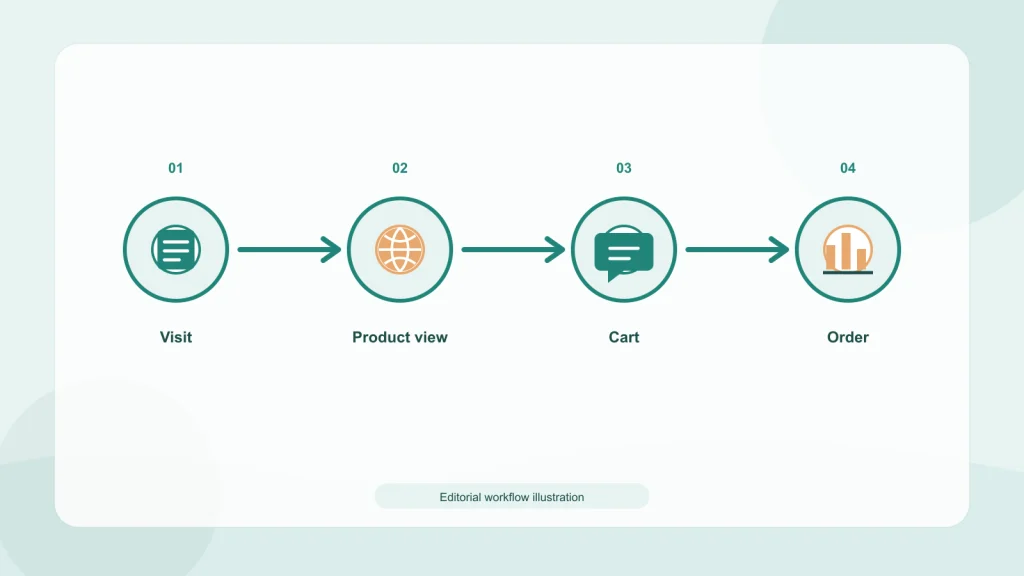
Google’s Analytics ecommerce documentation describes recommended ecommerce events and associated item data for reporting. Shopify’s documentation explains its available analytics and integration paths. These are technical references, not guarantees that an individual store’s setup is correct. Validate events with test traffic, compare order records with analytics under the approved reporting process, and note known gaps such as consent denial, ad blockers, or delayed event reporting.[5][6]
Use a funnel view to find where the journey weakens. If a post has few link taps, revisit the content’s relevance, offer clarity, and platform link mechanism. If tagged sessions arrive but product views are low, review the landing page or audience match. If product views are healthy but add-to-cart activity is low, inspect price, variant availability, product evidence, and shipping expectations. If carts start but orders do not, check checkout friction, payment options, taxes, delivery costs, and technical errors.
A funnel does not explain why a step underperforms by itself. Pair quantitative measures with customer questions, support feedback, on-page behavior, and careful qualitative review. Do not record personal data from social commenters in an analytics note. Keep research within your privacy policy and data governance rules.
What does “traffic” mean for the business?
Traffic is an intermediate outcome. Store teams may care about qualified product discovery, new customers, contribution margin, repeat purchase, or a reduction in acquisition cost. A large wave of low-intent sessions can increase analytics totals without improving the business. Decide whether the goal is reach, consideration, first purchase, or retention and choose the corresponding evidence.
Audience evidence can help a store decide which platform deserves a test, but broad population numbers are only a starting point. Pew Research Center’s 2026 U.S. survey found that 51% of adults said they ever use Instagram, 31% TikTok, 70% Facebook, and 84% YouTube; 5,511 adults were surveyed from January 30 through June 18, 2026, with an overall margin of error of ±1.8 percentage points. Those are self-reported U.S. adult ever-use figures, not ecommerce buyer shares, daily activity, or a forecast of traffic to your Shopify store. Validate the audience in your own markets and analytics before shifting budget or production effort.[9]
Revenue attributed to a social post is not the same as incremental revenue. A customer might have purchased anyway through search, email, or direct navigation. Platform-reported conversions, analytics attribution, coupon-code orders, and CRM records can differ because they use different windows, identities, and counting methods. Present those measures side by side rather than choosing whichever number makes the channel look largest.
When the business needs to know whether a campaign generated incremental orders, a controlled test may be more informative than last-click reporting, where feasible. Holdout tests require sufficient audience and careful design. Small stores may not have enough volume for a stable experiment, in which case the team should report uncertainty and use multiple observational signals instead of overstating causal certainty.
Include economics. Subtract returns, discounts, creator fees, production, media costs, and other relevant expenses when interpreting revenue. If contribution margin is not available, do not label gross order value as profit or ROI. Define the formula in the report and use the same attribution and return window across periods.
Improve the click-to-checkout handoff by hand
Walk through the customer route with a fresh pair of eyes. Start at the social post, tap the exact link, and read the page before scrolling. Can you tell within a few seconds that you arrived at the right item? Does the page repeat the central promise from the post? Are important product options, stock status, delivery estimate, and total-price context discoverable without hunting? This practical test will not replace analytics, but it often reveals basic expectation gaps.
Ask a second person who did not write the post to perform a specific task: find the item shown, choose the option in the video, check whether delivery is available to the target region, and reach the checkout start without completing an order. Observe where they hesitate. Do not coach them through the path. Record the point of confusion rather than assuming the visitor failed to pay attention.
Inspect the page for message continuity. If the post demonstrates one color but the link opens a different default variant, the visitor may wonder whether the product has changed. If the creator uses a code but the page hides where to apply it, the campaign has introduced avoidable friction. If the post promises a bundle, show the bundle contents and any exclusions clearly. If the product is available in several markets with different shipping costs, make that context easy to find.
Review performance and page quality together. A weak conversion rate can result from a poor audience match, but it can also reflect limited stock, an uncompetitive offer, an unclear size guide, or a checkout error. Social teams should not be asked to solve a product-page issue by making more posts. Assign each stage of the journey an owner so that creative, storefront, inventory, analytics, and customer support can work from the same evidence.
Maintain an issue log with severity, evidence, owner, and resolution date. A broken link is urgent because it prevents the advertised action. A vague caption may need a creative revision. A low number of purchases after a small test may require more data before any change. Give issues different treatment rather than making every metric fluctuation a crisis.
Plan for inventory changes and customer service
Social distribution can outlive the inventory state that existed on publication day. A post may be saved, shared, embedded, or surfaced again after a promotion ends. Decide whether the destination should remain useful after the offer expires. Options include changing the landing page to a current selection, displaying a clear “offer ended” notice with related products, or removing a time-limited asset from owned surfaces where possible. Avoid a dead end that makes a returning viewer think the link is broken.
Before a campaign, confirm stock, variants, shipping regions, product support coverage, and the return or exchange process. The more specific the post, the more important it is that operations can fulfill the expectation. A creator video that makes a popular item visible can change demand distribution, even when the team did not predict the response. Create an escalation path for low stock and fulfillment changes; do not wait for comments to become complaints.
Customer questions in comments can reveal missing information, but they do not replace customer support. Decide which questions can be answered publicly and which may involve order data or personal information. Keep order numbers, email addresses, addresses, and payment details out of social replies. Move those conversations to the approved secure support channel and explain the next step clearly.
Social customer service is part of the perceived store experience. If the team posts several purchase prompts but leaves product questions unanswered, it weakens the path. Set realistic coverage hours, response ownership, and handoff expectations before the launch. If no one can monitor a weekend campaign, avoid promising immediate answers or a live promotion that depends on rapid support.
Make international journeys explicit
Global distribution creates a practical challenge: viewers may see a post outside its intended market. If the item is not sold everywhere, state the market limitation or direct people to a page that clarifies availability. If price, currency, shipping threshold, or offer terms differ, do not let one market’s caption appear to promise the same terms elsewhere. The platform’s audience geography may shift as people share and recommend content.
For each version, store the market, currency, language, destination, offer dates, and local support route. Use a market-specific URL or storefront setting only after verifying that it renders correctly. Check the experience with a location-aware test or a trusted reviewer based in the region. A browser location setting may not reproduce every detail of a real customer path, so record how the test was performed.
Translate the customer decision as well as the copy. A product attribute that matters in one region may be secondary in another, and measurements, naming conventions, and shipping expectations can differ. Ask a local reviewer whether the example makes sense and whether the product page provides enough evidence. Keep claims that must remain consistent—such as technical specifications—tied to a source record.
When market customization is not available or cannot be verified, use a neutral destination that explains the limitation and gives visitors a safe way to select the correct region. It is better to expose the choice than silently show a mismatched price or unavailable product. Do not claim the store supports a currency, language, or market behavior simply because Shopify offers related configuration features; confirm what this particular storefront has enabled.
How to connect a social post to a Shopify order path
- Choose the audience question. Identify one real use case, objection, comparison, or product-selection question.
- Choose one product journey. Decide whether the destination is a product page, collection, guide, or focused campaign page.
- Make a platform-fit asset. Demonstrate or explain the decision without relying on unsupported claims or a generic sales line.
- Match the destination. Confirm the page fulfills the promise and has the correct market, language, inventory, variant, offer, and policy details.
- Create campaign tags. Apply the agreed source, medium, campaign, and optional content labels without personal data.
- Test the mobile route. Open the post link in a representative mobile context and follow it through product selection and checkout start.
- Verify measurement. Check the expected analytics events with approved test traffic and compare setup notes to store configuration.
- Publish and monitor. Watch links, comments, stock, destination availability, and support questions during the campaign.
- Review outcomes. Compare platform signals, tagged sessions, store events, creator codes, returns, and business costs with attribution limits stated.
- Change one weak step. Improve the biggest observed point of friction before increasing posting volume.
Write down the version, audience, and period for each test. If both the creative and landing page change at once, the team may not know which change affected the result. A practical iteration changes one major element at a time when volume permits, while still correcting usability or factual problems immediately.
FAQ
Does more social media posting always increase Shopify traffic?
No. More posts may create more opportunities for exposure, but they do not guarantee qualified visits. Relevance, platform link options, audience fit, destination quality, and consistency with the post’s promise all affect the path.
Should every social post link to the homepage?
No. Match the destination to the post’s specific subject. A product demonstration generally benefits from a relevant product page, while a broad brand introduction may reasonably lead to the homepage or a campaign page.
Do UTM links track every social-influenced sale?
No. UTM parameters help classify tagged visits, but they can miss views, copied links, cross-device journeys, and later direct visits. They also do not establish that the tagged click caused the order.
Are creator discount codes enough to measure creator performance?
No. Codes capture orders where customers use them, but may miss viewers who return later without a code and may count customers who learned about the offer elsewhere. Pair codes with creator-specific links and broader path reporting.
What should a Shopify landing page include for social visitors?
It should make the product or offer in the post easy to recognize, show relevant options and availability, answer key purchase questions, and provide a clear next step on mobile. The exact details depend on the product and market.
Can Shopify and Google Analytics show different sales numbers?
Yes. Integrations, consent settings, event collection, attribution rules, identity limitations, and reporting windows can lead to different counts. Audit the setup and state which system and definition a report uses.
How do I calculate social media ROI for a Shopify store?
Choose a defined revenue or contribution measure, subtract relevant costs, and state the attribution window and method. Revenue credited by a platform is not necessarily incremental profit; use a controlled test when feasible or report the limits of observational data.
Next step: If the store journey needs a stronger destination, see Marketboo’s WordPress and Shopify website development service.
Keep the handoff useful for the next campaign
After the campaign, save the post, destination version, tags, dates, and measurement definitions. Note broken links, inventory changes, audience questions, creator issues, and the metric gaps that affected interpretation. This record turns a one-off launch into a repeatable learning cycle without suggesting that a single campaign proves a universal rule.
Use what the store learned to improve the next asset. A repeated question may deserve a product-page section, comparison guide, sizing explanation, or support article. A link that consistently reaches visitors who do not view the product may indicate a mismatch in the post’s audience or promise. A creator who sends fewer but more relevant visitors might warrant a different evaluation from one with broad reach and shallow activity.
So, how to drive traffic from social media to a Shopify store responsibly? Treat the journey as a connected system: relevant content, clear destination, market-fit storefront, reliable tags, and honest measurement. When results disappoint, diagnose the handoff before asking the team to post more. That is how social activity becomes a useful input to store improvement rather than another disconnected traffic report.
Connect the acquisition plan: To coordinate social traffic with paid campaigns across markets, review Marketboo’s global paid media service.