

Direct answer
YouTube channel management for B2B companies works best as a repeatable production and learning system. Start with buyer questions, not a camera schedule. Give each episode a clear purpose, involve the right subject-matter expert, verify product claims, and plan accessible production before filming. Then package the finished video with accurate metadata, publish it on an owned channel, and connect relevant viewers to a useful next step. Review platform analytics together with website and sales evidence, while recognizing that a complex B2B journey rarely belongs to a single video. A sustainable process, clear ownership, and sound editorial judgment matter more than an arbitrary upload quota.
YouTube channel management for B2B companies begins before filming
A B2B company may have deep expertise and still struggle to make a channel useful. Engineers know how a product works, sales knows the questions prospects ask, and customer support sees recurring confusion. But those insights live in separate conversations. Without a repeatable way to collect them, decide what is ready to share, record it clearly, and maintain the resulting files, the company can film disconnected clips that do not help a buyer evaluate anything.
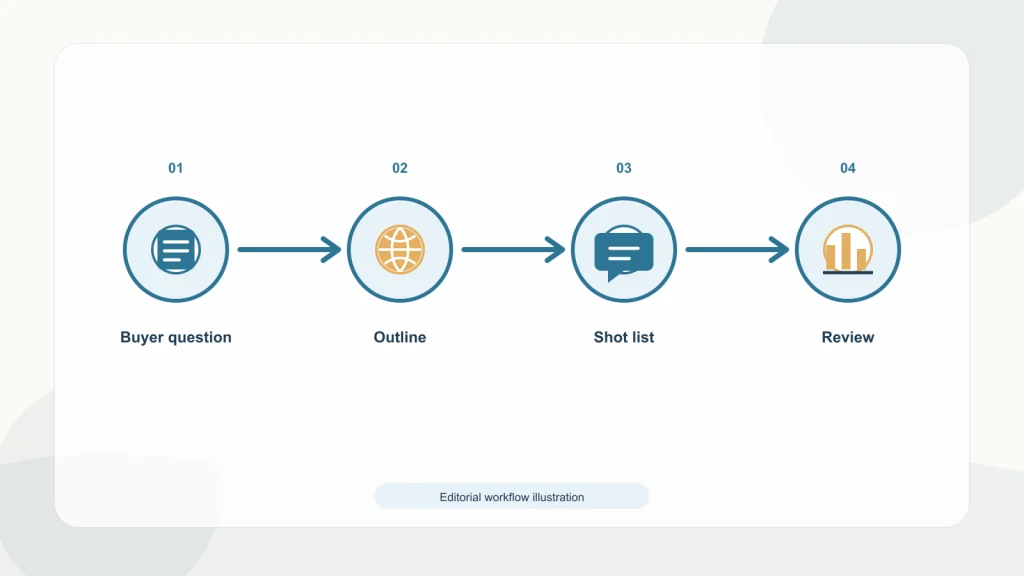
That is the production problem behind YouTube channel management for B2B companies. Channel management is broader than uploading a video. It includes editorial research, expert scheduling, source review, production, captions, packaging, publishing, comment ownership, analytics, and the archive. Each stage has a decision owner. If nobody has time to manage those handoffs, the camera is not the bottleneck.
Begin with the question the video should answer. A procurement manager may want to compare options. A technician may need to see installation or maintenance. A distributor may need a dependable explanation for a customer. A founder may want to explain why a process differs from a familiar alternative. These viewers need different context, depth, and next steps. “Talk about our product” does not specify which one.
A reach statistic is context, not a B2B forecast
Pew Research Center’s 2026 fact sheet says 84% of U.S. adults surveyed report ever using YouTube. The fact sheet is based on a survey of 5,511 U.S. adults conducted January 30 through June 18, 2026, and reports an overall margin of error of ±1.8 percentage points. That supports a statement about broad U.S. adult use. It does not tell a supplier how many engineers, distributors, or procurement leaders will watch a specific video, and it is not a lead-generation forecast.
DataReportal’s Digital 2025 global overview includes digital and platform advertising-reach estimates, gathered from cited third-party sources. Those estimates should not be recast as unique active viewers or guaranteed organic reach. A manufacturer planning for one industry or a handful of countries should use its own audience evidence: sales-call notes, product searches, customer questions, distributor interviews, trade-show conversations, and referral analytics.
The Content Marketing Institute and MarketingProfs’ 2027 B2B report can help frame the working environment. Published November 4, 2026, it reports responses from 861 B2B marketers within a global sample of 1,132; fieldwork ran June 23 through August 11, 2026. It describes marketer responses, not the causal effect of video or a benchmark for channel growth. Use research to sharpen the questions you ask of your own system.
Build an editorial slate from sales and service questions
A video slate is a ranked set of questions and the evidence needed to answer each one. It should pull from several sources: sales-call objections, service tickets, distributor training requests, product launches, technical documentation, and customer interviews. Record the source and the date so the team can later tell whether an issue is recurring, seasonal, or outdated.
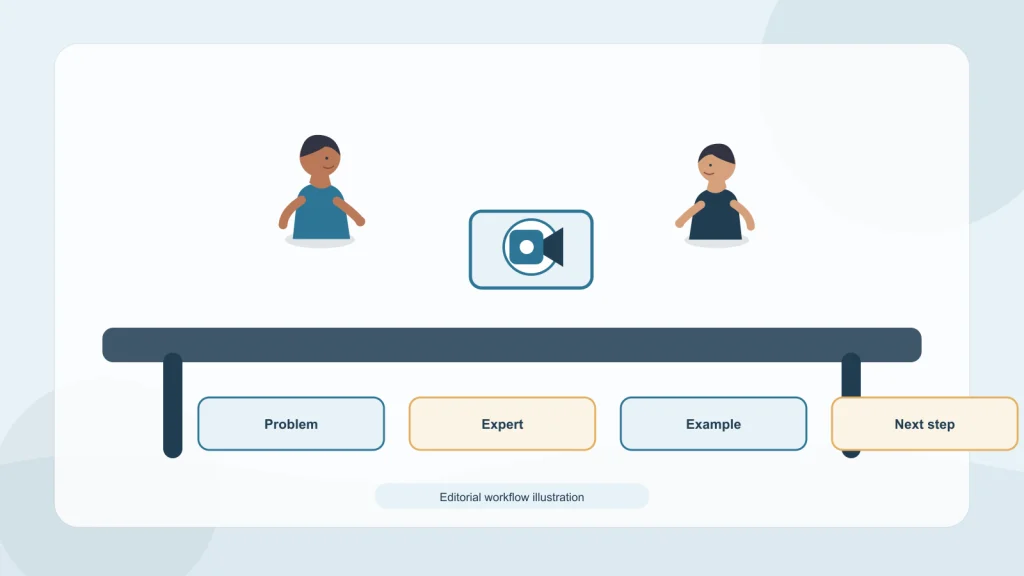
Do not rely on the loudest internal stakeholder alone. A senior executive may want a brand film while customers need a simple configuration explanation. A product manager may propose a feature tour that assumes knowledge the viewer does not have. The slate should label the audience, stage, and intended next step for every topic so reviewers can see whether the content solves a real problem.
Use a small set of editorial categories that reflect the decision process rather than generic content marketing labels. For a technical business, the categories might be product fit, application demonstration, maintenance and support, comparison criteria, and company capability. Each category needs its own evidence boundary. A demo can show how a product was configured for filming; it should not silently imply that every installation is the same.
| Topic source | What it reveals | Editorial check before scripting |
|---|---|---|
| Sales conversations | Objections, evaluation criteria, terminology | Is the question repeated or tied to one unusual deal? |
| Support and service | Setup, care, troubleshooting, recurring confusion | Is the answer current and safe to demonstrate? |
| Engineering and product teams | Technical context, specifications, limitations | Who approves the public wording and version? |
| Distributors | Local market needs and customer education gaps | Which country, language, and audience does this represent? |
| Search and site behavior | Queries, page gaps, referral paths | Is available data sufficient to interpret the signal? |
| Trade events | Live questions and emerging conversations | Was the event sample limited to attendees? |
Interview the expert before writing the script
The expert interview is where a video outline gains substance. Share the audience and question in advance. Ask the specialist to explain the answer in plain language, identify where it changes by model or application, and name the documents that support important facts. Record the version of a product sheet or specification that was used. If the expert cannot answer an element, list it as an open question rather than smoothing over the gap.
An interview does not need to become a lecture. The producer can ask for an example, a comparison, a common misunderstanding, or a demonstration. The script then turns that material into a sequence a viewer can follow. Avoid prompting an expert to exaggerate certainty for a sharper sound bite. A concise caveat can help the viewer choose correctly.
Prepare a source note for every factual claim. A statement about capacity, compatibility, lifecycle, certification, or savings should have a current product source and an owner. A claim about a customer result needs permission and an accurate description of the case. If a number comes from a specific test, disclose the setup and conditions rather than implying universal performance.
The interview process can also surface future topics. If a question leads to a long explanation, separate it into a primary video and a related FAQ. If it depends on installation context, a separate application may be warranted. This creates a purposeful series, not a playlist assembled from whatever the company filmed that week.
Design the episode around one promise
A helpful episode tells viewers what it will answer, provides enough context to interpret the answer, and makes clear what it does not cover. An outline might begin with the buyer’s situation, define the key term, explain the decision criteria, demonstrate one relevant step, note a limitation, and offer a next resource. The order can vary by topic, but every segment should serve the central question.
For a complex technical demonstration, show the model, configuration, tools, and safety context needed to understand what is happening. For a comparison video, state the criteria and circumstances under which each option makes sense. For an executive explanation, make the business problem specific instead of relying on abstract claims such as “innovation” or “quality.”
Do not force every video into the same run time. A short answer may suit one question. A detailed demonstration may need more room. The correct length depends on what the viewer needs to see and understand. Cut repetition, not necessary context. If a shorter clip omits a caveat that changes the meaning, link to a complete explanation or retain the context in the clip.
| Episode type | Useful structure | Common editorial risk |
|---|---|---|
| Product application | Situation, relevant configuration, demonstration, limits, next step | Implying the setup applies to every customer |
| Technical explainer | Term, why it matters, factors, example, summary | Introducing jargon without a definition |
| Comparison | Criteria, scenarios, tradeoffs, decision question | Declaring a universal winner without context |
| Maintenance guide | Applicable model/version, preparation, steps, escalation | Omitting safety or service boundaries |
| Customer story | Permission, problem, approach, attributed result, context | Overgeneralizing one customer outcome |
Production planning: make the day easy to review
A run of show turns the outline into a production plan. It names speakers, locations, shots, props, product versions, visual aids, and the approvals needed. It also notes what must not appear: confidential information on a whiteboard, personal data on a device, a competitor product used without context, an obsolete model, or a prototype not cleared for release.
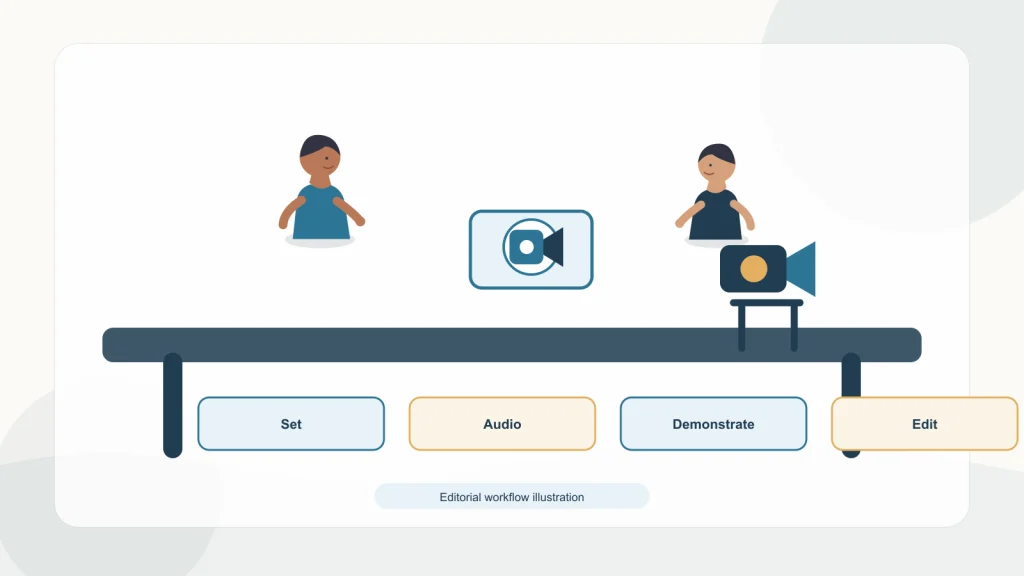
Audio and visual clarity often matter more than decorative production. Choose a quiet location, check the product is visible, capture demonstration details, and make sure the presenter can speak naturally. A camera operator may need establishing shots and cutaways, but the production should not make a technical claim look stronger than the evidence. A lighting change or close crop can alter how material or color appears; disclose context if it matters to the viewer.
Build accessibility into filming and editing. W3C’s WCAG 2.2 Recommendation includes success criteria for captions for prerecorded synchronized media. Caption accuracy matters for technical names, units, acronyms, and model numbers; automatic transcription should be reviewed by someone who understands the subject. Provide a transcript or structured summary when it helps people find the answer, and describe meaningful visuals that are not spoken aloud.
Schedule approvals on the calendar. The expert checks facts, the product owner verifies model details, and a communications reviewer checks clarity and brand context. Legal or compliance review may be needed for specific claims, regulated products, endorsements, or customer stories. The workflow should specify who may make changes after approval and how the team handles a late correction.
Packaging: title and description should orient the right viewer
Packaging begins after the video is cut, because metadata must match the final content. A title should tell a prospective viewer what the video actually answers. Avoid stuffing several unrelated keywords into a sentence or promising an outcome the footage cannot support. A description can summarize the context, identify the product or version if necessary, point to a relevant resource, and disclose a material connection where applicable.
Thumbnails should help viewers recognize the topic. A presenter’s face can be useful when the person is central to the explanation; a product detail can be clearer for a demonstration. Avoid using a visual of an unshown result, a fake interface, or text too small to read. An image that attracts the wrong expectation may produce a click but frustrate the viewer.
Chapters can help navigation when a video has distinct sections and the chapter labels accurately describe them. They should not be created to imply topics that the video does not cover. After upload, check the rendered page, captions, description links, and chapter points. A production checklist should include a live-page review because metadata can be mistyped and processing can change what the viewer sees.
Do not promise that any title format, description length, or chapter structure guarantees a ranking. Current platform features and policies can change. The publisher should verify official YouTube Help guidance before relying on specific requirements or interface behavior. Editorial clarity remains a sound practice regardless of whether a platform changes a control.
Publishing and ownership are part of channel management
The company should retain control of the channel and its recovery methods. An agency or contractor may receive access appropriate to the task, but the relationship should document who can upload, edit details, respond, and manage permissions. Keep a current owner and backup contact. Do not make an individual vendor’s account the only route to channel recovery.
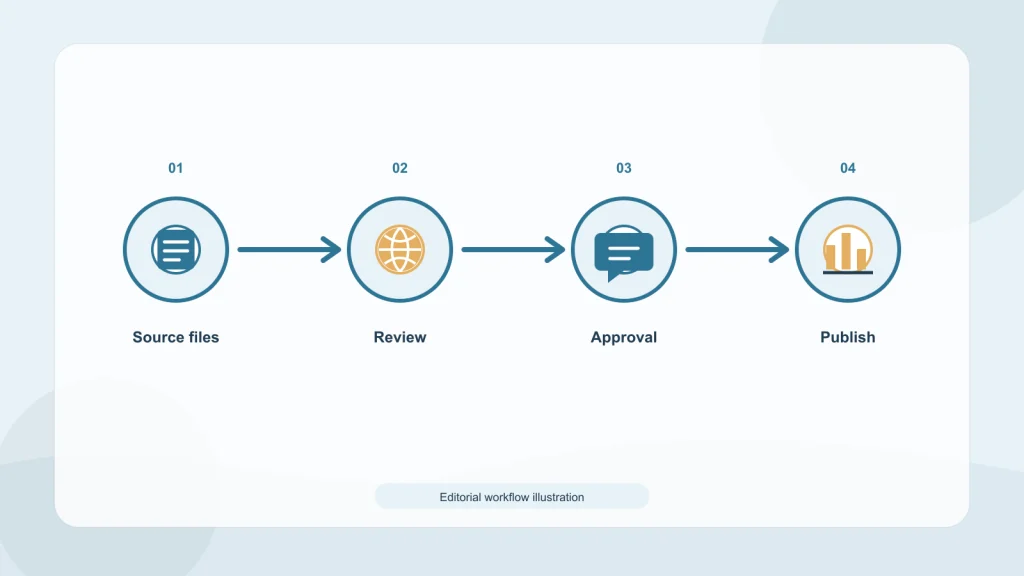
Maintain a release record for each video: final file, title, description, caption file or transcript, thumbnail, links, product version, rights, approvers, publication date, and next review date. The record helps a future editor update a model number, retire a link, correct an error, or find the original source file. It also protects continuity if the staff member who managed the channel leaves.
Community management needs its own boundary. A video may draw a commercial inquiry, a technical question, a complaint, or an unsafe suggestion. Decide which comments the channel owner can answer, which require an expert, and which need moderation. Set a response window that matches actual coverage. Do not imply that a company monitors every comment at all hours unless that is the agreed service.
If a vendor manages publication, include an exit checklist: permission removal, open comments or messages, editable files, captions, report definitions, rights documents, and scheduled content. These are operational details, not evidence of ranking or growth. They make the channel usable by the company that owns it.
Measurement should keep the stages separate
YouTube Analytics can show platform-side viewing and discovery signals; a website analytics system may record visits; a CRM may later record inquiries and opportunities. These systems do not necessarily share identical definitions or attribution windows. A report should label the source of each number and avoid merging unlike measures into one “ROI” figure without explaining the calculation.
Begin with the episode’s intended job. If it answers a technical question, look at whether viewers continue through the answer, return to relevant videos, or visit the linked documentation. If it supports consideration, examine tagged site visits and subsequent inquiry quality. For an awareness film, views alone may not indicate whether the intended accounts saw it. Pair platform measures with sales notes and the period of the buying cycle.
Attribution deserves care. A buyer may watch a video, discuss it internally, return through branded search, and contact a salesperson later. The video may have assisted discovery without being the final click. Conversely, a tracked link click does not prove the video caused the eventual purchase. Report observed behavior and known limitations separately.
Choose a review cadence that reflects the data volume and sales cycle. A new video may show early viewing patterns before commercial outcomes appear. Avoid changing a topic strategy after one short-lived result. Record the hypothesis, audience, publication date, and related changes so a later comparison does not attribute an offer or distribution change to the video alone.
How to manage a B2B YouTube channel in seven steps
- Choose a buyer question or use case and state the evaluation stage it supports.
- Interview the expert; record source documents, approved claims, caveats, and follow-up questions before outlining.
- Structure the episode around problem, context, demonstration or explanation, limitations, next step, and concise summary.
- Plan production and accessibility: location, permissions, safe demonstration, audio, framing, captions, transcript, and technical review.
- Prepare the final package: precise title, descriptive summary, thumbnail concept, useful chapters, links, and required disclosures.
- Publish with a clear owner; verify the public page, captions, links, and chapters after processing.
- Review YouTube Analytics with website and CRM signals, record attribution limits, and use the review to plan the next question—not promise a result.
Channel cadence that respects B2B capacity
A sustainable channel plan includes the expert’s calendar, script approval, filming, editing, product release cycles, and sales follow-up. A company that can produce one thoroughly reviewed demonstration every month may build a more useful library than one that uploads weekly without time to check its claims. An annual slate can mix evergreen questions with timely launches, but it should leave room for new issues that surface in the field.
Repurposing can make production more efficient, provided the new asset fits its context. A complete technical video may yield a short clip, a transcript excerpt, and a section for a support article. The short clip should not remove the limitation that changes how the advice is interpreted. A transcript should preserve technical terms. A sales presentation should use a current approved version rather than a download saved before a product change.
Keep an archive index with topic, audience, product version, date, language, rights, and status. Mark a video as current, review due, or retired. When a standard, model, or offer changes, the owner can identify affected content. That editorial maintenance is part of channel management, especially for companies whose technical details change over time.
Bringing in an external channel team
An external team may help with topic research, editorial planning, filming, editing, channel publishing, accessibility checks, or reporting. The company still provides product truth, expert access, permissions, and commercial context. Before selecting a provider, ask for a sample process rather than only a reel of finished videos: how is a topic chosen, what sources are recorded, who approves claims, how are raw files handed over, and what does a performance report distinguish?
Next step: Marketboo’s current social media page describes strategy, content planning and creation, community management, publishing and account coordination, and performance reporting. That is Marketboo’s own service description, not independent evidence of YouTube results or a promise that every listed deliverable is included in a specific engagement. Review Marketboo’s social media management service and ask how the scope would apply to your channel, experts, formats, review cycle, rights, and reporting needs.
Next step: A useful first conversation includes your audience, two or three recurring buyer questions, an example product document, filming constraints, current channel ownership, and the commercial next step. You can contact Marketboo to discuss a B2B video workflow. Compare any resulting proposal with alternatives using the same requirements. The work should make the channel easier to sustain while your team retains control of facts and account assets.
Producer handoff: preserve the work between episodes
The channel becomes fragile when production knowledge stays in one person’s head. A useful handoff records why the topic was selected, who validated the facts, what version of the product was filmed, which files are final, and what remains open. It should also preserve the audience context and editorial choices, not only the exported video. A future producer needs to know why a demonstration begins with a particular configuration or why a sentence carries an important qualification.
Create a naming convention that can be searched. Include the topic, product or model, market, language, and revision where appropriate. Store final exports separately from raw camera files and drafts, but keep a route between them. Record rights and releases beside the assets they cover so another team member does not have to guess whether footage can be reused.
A handoff should mention publication status. Is the episode uploaded but unlisted, scheduled, public, or paused for review? Are captions approved? Do links work? Is a comment awaiting a technical answer? Are clips derived from the source video already published elsewhere? A short status record lets a new owner resume the channel without repeating checks or leaving a viewer question unanswered.
A sample pre-publication review
Before a video goes public, watch the assembled cut with the outline and source notes in hand. Confirm that the spoken answer matches the product documentation, the model shown is current, visuals do not overstate scale or performance, and every required limitation remains audible or visible. Check names, measurements, and subtitles. Review the description and links as a viewer would, not as the person who typed them.
Then test the operational details. Confirm the channel owner and permission level, verify that the thumbnail corresponds to the episode, make sure captions have processed and are editable, and inspect the link destination on a phone. Ask whether the video should be public, scheduled, or held until a product announcement. If a customer or creator appears, confirm that the permission and disclosure match the intended placement.
The review is not an attempt to guarantee performance. It is a repeatable way to prevent avoidable factual and publishing errors. When the team finds an issue, update the source record as well as the video so the next edit starts from the corrected information.
What does YouTube channel management for B2B companies include?
It can include topic planning, expert coordination, scripting, production, editing, accessibility, metadata, publishing, community ownership, analytics, and repurposing. Confirm the actual tasks and assets in the scope.
How often should a B2B company upload?
Choose a cadence that experts, reviewers, and production resources can sustain. A useful, accurate video on a recurring buyer question is more valuable than an arbitrary quota.
What should a B2B YouTube video cover?
Choose a buyer question such as application fit, installation, maintenance, comparison criteria, or a technical concept. State context, evidence, limitations, and a next step.
Do titles or chapters guarantee YouTube search rankings?
No. Clear titles and useful chapters improve orientation but do not guarantee discovery or placement. Check current YouTube guidance and judge performance using your own data.
Should every video have captions and a transcript?
Plan accurate captions and accessible supporting text. W3C’s WCAG 2.2 includes caption criteria for prerecorded synchronized media; verify requirements relevant to your audience and jurisdiction.
How do B2B teams connect video to leads?
Use relevant links and consistent campaign tagging where appropriate, then compare video engagement with website sessions and CRM outcomes. Attribution may be incomplete in a multi-channel journey.
Can an agency guarantee views or inquiries?
A provider can commit to defined production and reporting tasks, but views and inquiries also depend on audience, topic, distribution, offer, sales response, and platform factors.
Make the channel useful after the upload
YouTube channel management for B2B companies is not an upload counter. It is the discipline of finding a buyer question, producing a trustworthy answer, presenting it clearly, and keeping it accurate and accessible over time. The channel becomes more valuable as its library accumulates useful explanations, provided the company can maintain the facts and ownership behind them.
Start with a small slate grounded in sales and support questions. Give experts enough context to speak naturally, give reviewers enough time to verify claims, and give viewers a logical next step. Review platform analytics alongside site and CRM observations without collapsing them into unsupported attribution. The next production should follow what the team learns, not a promise that every video will produce a fixed number of views.
The workbook does not provide current keyword-volume metrics, so search demand for this phrase remains unvalidated.