
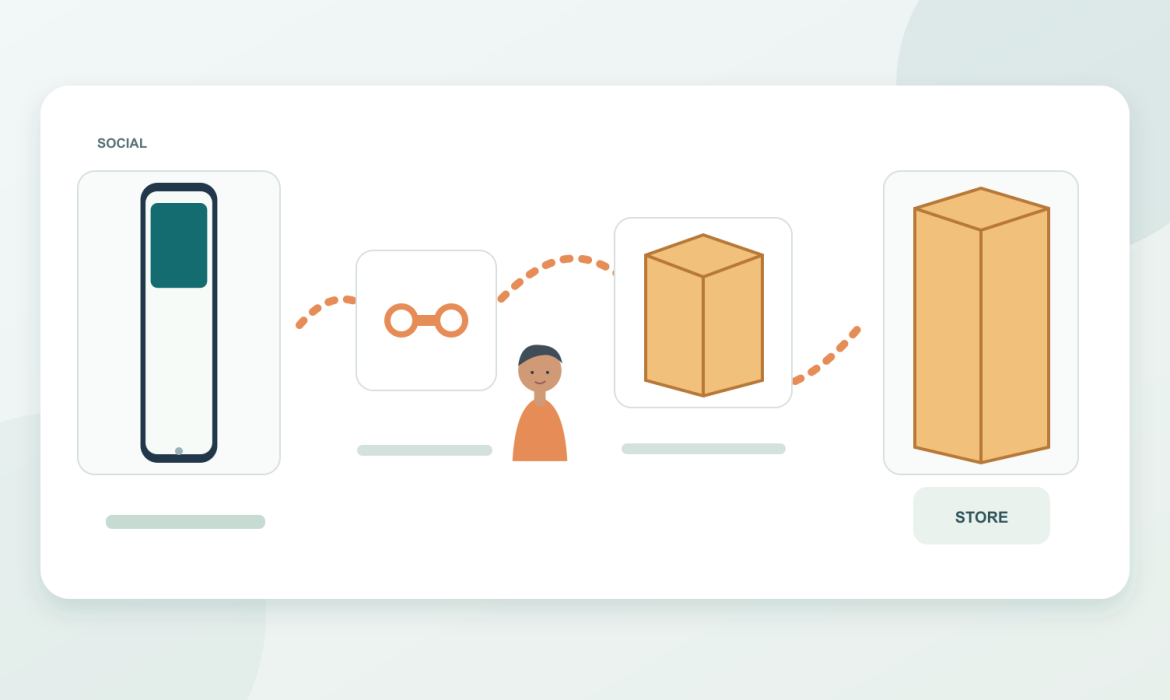
Quick answer: To drive traffic from social media to a Shopify store, match each post’s promise to the page shoppers reach. Add consistent UTM tags, test final redirects on mobile, and confirm the page reflects the right product, market, language, price, availability, and next action. Report platform clicks, website sessions, key events, and orders separately because they measure different things. Clicks are not qualified visits, and attribution is not causal proof. Use the path data to find a weak step, then test a focused fix.
Views climbed. Shopify store visits did not. Visits increased the following week, but checkout completions barely moved. “Post more often” is an easy reaction, but it may add volume without fixing the path. A better diagnosis follows the visitor from the content promise through the link, landing page, product decision, and measurement setup.
In this guide, traffic means visits that arrive at the store from a social link. A conversion means a defined business action, such as a product view, add-to-cart, purchase, or qualified inquiry. Those are separate stages. A post can attract clicks without reaching the intended buyer; a page can receive relevant visits yet lose shoppers because shipping details or payment options are unclear.
How to drive traffic from social media to a Shopify store: start after the click
Do not begin with “We need more traffic.” Ask what a visitor should be able to do after seeing this content. A person discovering a product may need a clear product page. Someone comparing options may need a compatibility guide or a side-by-side specification sheet. A returning prospect may be ready for a quote, consultation, or checkout. One primary action per post makes the promise easier to understand and the result easier to review.
Then choose a destination that fulfills that promise. If a video explains one compatibility question, link to the relevant product or technical page instead of sending every viewer to the homepage. If a post promotes an event, point to an event page with the correct date and location. If the offer is country-specific, make sure the visitor does not land on a page that shows the wrong currency, unavailable shipping, or an expired promotion.
The connection must be visible within seconds. The product name, key benefit, and next step on the page should match the language used in the social post. The page need not repeat the caption word for word, but it should confirm that the visitor is in the right place. A sudden change in model name, discount, or audience can make a legitimate click feel misleading.
Map a complete social-to-Shopify path before creating the post
Draw the path in plain language: short demonstration of a setup issue → tagged link in the post or profile → setup guide for that product family → optional specification download. Write down the audience, the question the content answers, the destination URL, the expected event, and the person who owns the next step. This small map can reveal a missing page or unclear CTA before a campaign is live.
For a Shopify store, the path may go to a product detail page, collection, size or compatibility guide, or a campaign-specific destination. For an exporter selling to distributors, the useful action may be “check product fit” or “request a quote,” not an immediate online purchase. Do not force every merchant into a direct-to-consumer funnel. The destination should let the intended person make the next reasonable decision.
There may also be different paths for different intent. A broad awareness video could send viewers to an educational guide; a retargeting creative may link to a specific product page. Keep the promise and audience in each record. If the same post contains several unrelated actions, the team will have trouble understanding which one mattered.
Use UTM tags as a naming system, not a magic attribution switch
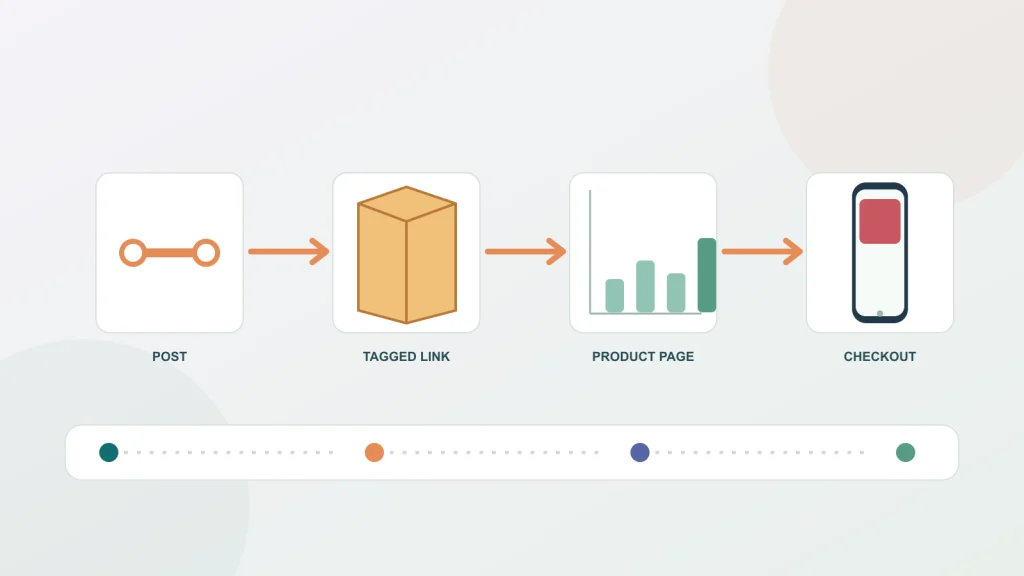
UTM parameters are campaign tags added to a URL. They can identify details such as the source, medium, campaign, or creative version. For example, a team might use utm_source=instagram, utm_medium=organic_social, utm_campaign=us_fall_demo, and utm_content=setup_video_a. Treat that pattern as an example, not a universal naming standard. If the business already has a data dictionary, use it instead of inventing a parallel system.
Google Analytics’ URL builder documentation describes campaign parameters including utm_source, utm_medium, and utm_campaign. The checked help page did not display a publication or version date, so a human editor should verify the current documentation before publication. Consistent spelling and case matter for clean reporting; naming every source “Instagram,” “IG,” and “insta” can split what a team meant to review together.
Give parameters a clear purpose. The source usually identifies the platform or publisher, the medium describes the channel type, the campaign identifies the initiative and market, and an optional content value distinguishes creative versions. Keep values readable, stable, and free of personal information. Do not add unnecessary tags that the team will never use.
Test the final URL, not just the original link. A short link, a tracking redirect, a profile link, or a regional language redirect may change the destination or strip tags. Open the link on a mobile device, check the final address, and confirm the intended page loads. Save the original URL and redirect destination in the campaign record. Do not append campaign tags to every internal navigation link; doing so can overwrite the source that originally brought the visitor.
Pair the creative promise with a usable landing page

Content can begin with one buyer question and become several native assets. A short video can show a single product action. A carousel can explain a selection checklist. A longer video can answer a technical question in full. The fact base may be shared, but each asset should have its own opening, context, link placement, and next step. The destination page should cover what the asset promises—no more and no less.
For a product demonstration, check that the destination names the same model shown in the video. For a guide, confirm that it contains the answer teased by the post and a logical next step. For an offer, verify the dates, eligibility, stock, market limits, and terms. Do not use urgent language in a caption if the visitor encounters an expired or unavailable offer.
Mobile usability deserves a real check. Open the page on the type of device likely to be used, scroll to the promised information, tap the CTA, and complete a test form or checkout where appropriate. Check that images and buttons load, product details are legible, the selected country is correct, and the confirmation message appears. This is a reproducible spot check for that device and date, not proof that every browser or location behaves identically.
For a Shopify storefront, review stock, shipping range, returns, duties, currency, and payment options for the intended market before sending paid or organic traffic. Confirm that the product, variants, and offer shown in the creative match what the shopper can actually select. For a B2B Shopify site, check the inquiry path, company information, contact route, and sales response process. The social team should not promise delivery, pricing, or product performance without the business owner’s confirmation. A smooth-looking landing page cannot compensate for an inaccurate claim.
Use market data carefully when choosing a channel
Pew Research Center’s Americans’ Social Media Use 2025, published November 20, 2025, reports on a survey of 5,022 US adults conducted February 5 through June 18, 2025. It found that 84% of respondents used YouTube, 71% used Facebook, 50% used Instagram, 37% used TikTok, and 26% used Reddit. Those values describe platform use by US adults, not the share of ecommerce buyers, a particular brand’s customers, or users who are likely to purchase.
The Census Bureau provides a separate ecommerce context. Its second-quarter 2026 report, released August 18, 2026, estimated US retail ecommerce sales at $340.2 billion, or 17.1% of total retail sales, on a seasonally adjusted but not price-adjusted basis. The reported quarter-over-quarter increase was 3.8%, but its 90% confidence interval included zero; the Bureau said the evidence was not sufficient to conclude that the actual change differed from zero. The estimate covers employer retail firms and the latest quarter was preliminary and subject to revision. This is context about US retail ecommerce, not a measure of social referrals or proof that any platform produced sales.
Use these sources to frame questions, not to skip research. Which platforms do your customers actually use to discover this category? What information do they seek there? What percentage of your own visitors arrive from a tagged campaign, and what do they do next? National usage and ecommerce data can help describe the environment, but your campaign decisions still need first-party observations and a clearly scoped test.
Diagnose the social-to-Shopify drop-off by symptom
When a platform reports many link clicks but analytics records few sessions, start with definitions and the path. A click is not necessarily a fully loaded visit. Redirects, a slow page, a broken tag, a privacy setting, or a reporting window can create a gap. Test the URL on the target device and inspect the final landing page before concluding that the audience is poor.
If sessions arrive but few people take the next step, examine intent match and page usability. Is the post talking about one product while the page presents a broad catalog? Does the page answer the question before asking for a long form? Are price, shipping, and product fit clear? A lower conversion rate can reflect the offer, audience, season, or measurement setup—not only the social creative.
If shoppers add to cart but do not finish, inspect checkout, stock, taxes, shipping, returns, payment methods, and error messages by target market. If form submissions are plentiful but sales accepts few, review the definition of a qualified inquiry. Separate a raw form event from a lead that meets the company’s region, company, and need criteria.
| Observed symptom | Check first | Possible next action |
|---|---|---|
| Platform clicks, few recorded sessions | Redirects, URL tags, page load, analytics tag | Test the final URL on mobile and repair the measurement path |
| Sessions rise, key actions do not | Promise-to-page match and mobile form friction | Use a more relevant destination and simplify the next step |
| Add-to-cart rises, orders do not | Shipping, payment, stock, checkout errors | Walk through checkout in the target market |
| Form fills rise, sales acceptance falls | Market, company, need, and CRM stage definitions | Agree with sales on what counts as qualified |
Keep attribution distinct from causation
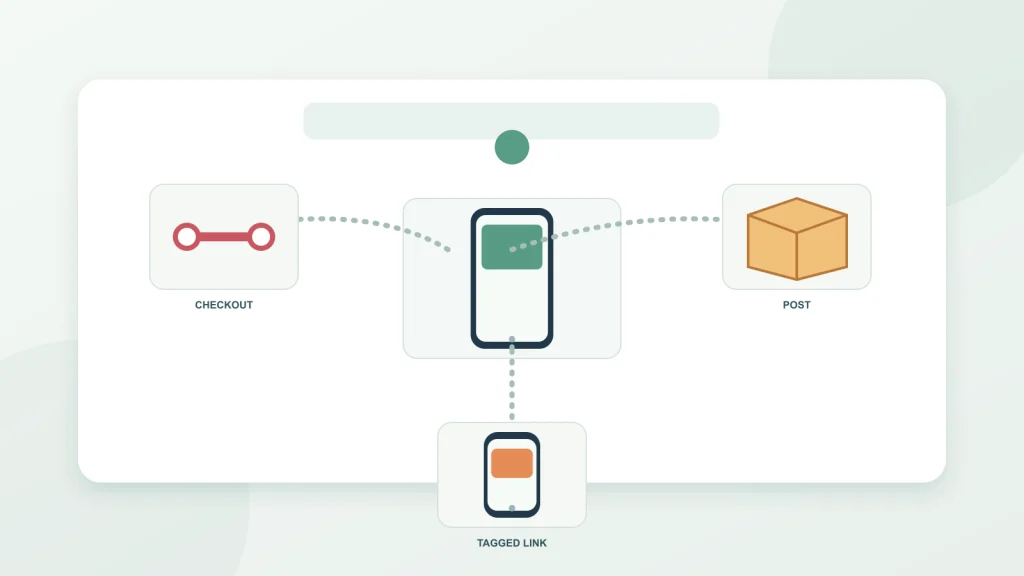
A long purchase may include social content, search, a trade show, a sales email, a distributor conversation, and repeat site visits. A single session source cannot describe the whole journey. Keep first known touch, most recent touch, assisted interactions, CRM lead stage, and completed orders separate when the data supports those views. Document the measurement window and attribution setting used in a report.
Google Analytics offers attribution settings, but a model allocates credit according to rules; it does not prove that a social touch caused the transaction. The checked Google Help page had no visible publication or version date, so a human editor should recheck current product details before publishing. If the CRM does not capture source data reliably, report a submitted form as a submitted form—not as a qualified opportunity or revenue.
For ecommerce sales, account for canceled orders, returns, taxes, currency, and the reporting date. A campaign that appears to generate revenue before refunds are processed may look different later. For distributor inquiries, ask sales to confirm fit and stage rather than equating a form fill with a deal. Report platform-reported conversions separately from business outcomes the company has verified.
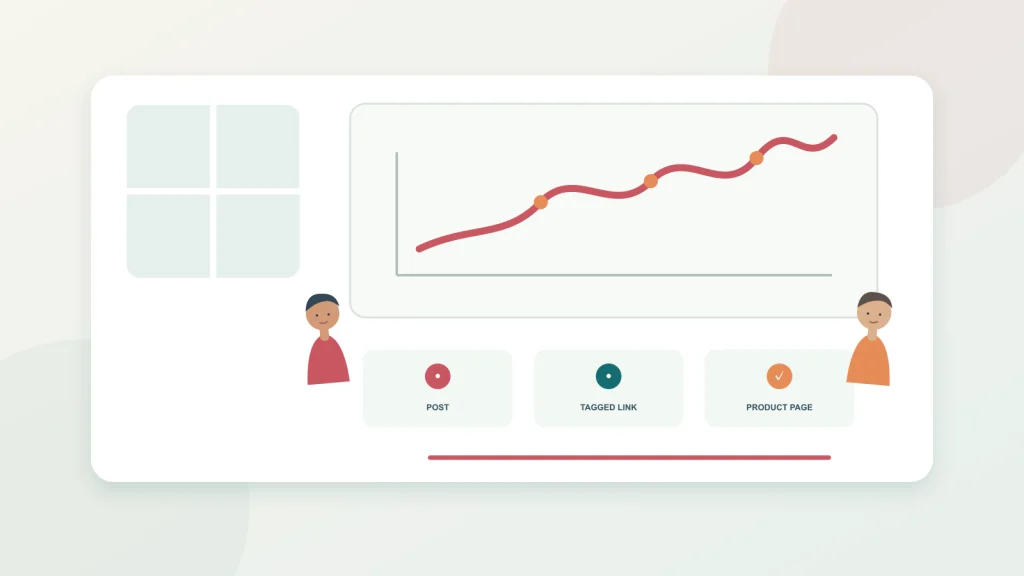
Direct traffic and branded search may increase after a campaign, but trade press, paid media, seasonality, an event, and existing awareness can also affect them. Without an experiment or credible incrementality design, treat a change as a signal to investigate—not as proof that a particular post caused it. Transparent limitations make a report more useful to decision-makers, not less.
A Shopify campaign tracking row the team can reuse
| Tracking field | Example value | Review question |
|---|---|---|
| Source / medium | instagram / organic_social | Does the spelling match the company data dictionary? |
| Campaign | us_fall_demo_2026 | Does the name identify the market and initiative? |
| Content | setup_video_a | Can the value be matched to the actual creative file? |
| Landing page | Specific product guide URL | Does the page fulfill the post’s promise? |
| Downstream outcome | CRM-verified qualified inquiry | Is this separate from a basic form submission? |
UTM values should describe the campaign, not the person. Avoid including email addresses, names, or other individual data in a URL. If the organization manages multiple brands and countries, include only the codes the reporting team needs. Too many custom fields can make a simple system harder to maintain and easier to break.
Shared links add uncertainty: a recipient can forward a URL, a messaging app may strip parameters, or the same person may see content on several channels. Keep a record of tag coverage and the limits of known source data. Unknown source is not proof that social had no influence, but it is not permission to assign every unknown visit to social either.
Seven steps to a measurable social-to-store path
- Choose one visitor action that matters for the target market and business stage.
- Create a post or video whose promise the destination page can actually fulfill.
- Check the page on mobile and in the intended market for language, product, currency, availability, and next-step fit.
- Apply the company’s source, medium, campaign, and content naming rules; test the final redirected URL.
- After publishing, record platform clicks, website sessions, key events, and verified sales outcomes separately.
- Inspect tags, forms, checkout, refunds, and CRM stages before combining data from different systems.
- Review the path using a documented time window, note attribution limits, and choose one next test.
Test one change at a time
When a path needs improvement, start with the largest observable friction and change one main variable. If the content receives the wrong audience, test the message or market targeting. If qualified users click but do not act, test the page match or form. If the product is relevant but checkout fails, test the purchase flow before redesigning the social creative.
Record the start date, end date, audience, creative version, destination, promotion, and any unusual events. Avoid changing the creative, budget, landing page, offer, and audience at once; a result would be difficult to interpret. In small markets or long sales cycles, a short test may not produce a stable answer. Note that uncertainty rather than overstating the conclusion.
A practical weekly review can separate three questions: Did the link work? Did the intended visitor reach the right page? Did the visitor take the next step? If the first answer is no, fix the technical path. If the second is no, improve the promise and destination. If the third is unclear, inspect the experience and the measurement before increasing posting volume.
Page relevance is a merchandising decision, too
A good destination is not always the page with the shortest path to checkout. A first-time visitor may not yet know which model fits. Sending that person straight to a product configuration form can create friction, while a comparison guide may help them make a more informed choice. A returning visitor who already viewed the model may need a clearer stock and delivery answer, not another general brand introduction. The page should match both the content’s promise and the visitor’s likely decision stage.
For a Shopify product-page destination, check that the page title, product name, images, model number, availability, and pricing region match the creative. If the post shows a bundle or accessory, verify that the product page displays the same package. If inventory varies by country, avoid sending all markets to a page that can only fulfill one region. If the product requires a consultation rather than a direct checkout, state the next step plainly.
For a guide or comparison page, make the main answer visible without forcing the visitor to find it through several menus. Add a next step that follows naturally from the information: review a specification, compare a model, contact a distributor, or request a quote. A page can remain educational and still be commercially useful, provided the call to action does not interrupt the information the post promised.
Review the full page, not just its first screen. Look for outdated product details, broken sections, regional redirects, pop-ups that cover the action, and forms that request information unrelated to the next step. A social campaign may bring in a large number of first-time users who do not know the brand. Clear business identity and support information can help them evaluate whether the page is credible. Do not invent trust claims, badges, warranties, or customer proof that the company cannot substantiate.
Plan for shared devices, forwarded links, and long decisions
People often forward useful content to a colleague, open a link later on another device, or revisit a page after talking with a salesperson. The eventual order may not retain the original campaign tag. That is one reason source reporting is incomplete even when the link works. If the sale is high value or the evaluation takes weeks, connect social campaign records to a CRM process where the business can record the inquiry, stage, and eventual outcome using its established data governance.
Do not try to solve every attribution gap by collecting more personal data in a URL. Campaign parameters should identify the campaign or creative, not the individual. Any additional customer-level tracking must follow the company’s privacy choices, consent practices, contracts, and applicable law. This article offers general measurement guidance, not legal or privacy advice. When a campaign involves sensitive audiences or data, consult the organization’s privacy or legal reviewer.
For short sales cycles, a weekly review may be enough to catch broken links and compare landing-page behavior. For distributor inquiries or complex purchases, allow more time for qualification and sales follow-up. Write the observation window next to the result. Comparing one campaign after three days with another after three months will produce a misleading picture of relative quality.
Finally, separate what the marketing team can control from what it can observe. The team can control whether the page matches the post, whether the campaign link is tested, and whether the form asks the right questions. It can observe whether sessions, inquiries, and purchases occur. It may not control product availability, external market changes, sales response, or a customer’s internal approval process.
FAQ
Should every social link use UTM parameters?
Use them when you need to distinguish the source, campaign, or creative in reporting. For untracked everyday links, they may not add value. Follow the company’s naming rules and test the final URL.
Why are platform clicks higher than website sessions?
The systems count different events. A visitor may leave before the page loads, a redirect may change the URL, an analytics tag may fail, or privacy settings may affect measurement. Test the path before interpreting the gap.
Should social links point to the homepage or a product page?
Prefer the page that fulfills the post’s promise. A homepage can make sense when the content genuinely introduces the overall brand and the visitor needs to browse broadly.
What if the social platform does not offer a clickable link in the post?
Use a link location, pinned resource, profile link, or creator link that is available to the account at publishing time, and explain the path clearly. Platform features can change, so verify the current account options.
How can a store tell whether social drove a sale?
Combine tagged visits, key events, order status, CRM evidence, and the company’s attribution rules. Separate platform-reported conversions, directly attributed orders, and assisted interactions; correlation alone is not causal proof.
What is the difference between UTM source and medium?
Source generally identifies the platform or publisher, while medium describes the channel type. Exact values should follow the organization’s analytics dictionary so reports remain consistent.
How often should a social-to-store path be reviewed?
Check links and technical issues weekly, then review business actions and lead or order quality on a schedule that fits the sales cycle. Longer purchases need a longer observation window than an impulse checkout.
Conclusion: make the page fulfill the promise
How to drive traffic from social media to a Shopify store is ultimately a path-design and measurement question, not a contest to publish the most links. Match the content to a relevant destination, preserve consistent campaign tags, test the mobile experience, and distinguish clicks from sessions and business outcomes. Start by auditing one live Shopify path: Is the promise clear? Does the page deliver it? Do tags survive the redirect? Can the team explain what its numbers count? Fix the weak step before treating one report as proof of cause.If social content needs to work alongside a broader channel and community workflow, review Marketboo’s social media management services and define the intended action and reporting scope before work begins.If the main obstacle is the website page or search content that should receive the traffic, explore Marketboo’s SEO/GEO services with the specific URL and measurement notes in hand.