
Editorial lens: industrial video content planner (human byline pending) · Draft prepared November 5, 2026 · Pending human editorial review
Quick answer: YouTube content planning for export businesses should start with the questions overseas buyers ask before and after a purchase, then organize those questions into useful topic clusters: product demonstrations, selection education, application context, factory processes, FAQs, and customer education. Each video should answer one main question and identify its audience, evidence, production owner, caption language, next step, and maintenance date. Choose a publishing pace the team can sustain, then review impressions, click-through behavior, watch time, traffic sources, and website actions according to the video’s purpose. Publishing frequency cannot guarantee views. Performance claims, customer examples, and factory footage need accurate support and appropriate permissions.
YouTube content planning for export businesses begins with the customer question, not the camera. “What should we film this week?” is often the first question in a factory meeting. When it returns every week, the channel probably does not need another camera. It needs a topic system: a reliable way to turn buyer questions into accurate videos that the business can produce, review, publish, and maintain.
YouTube planning is the work of organizing a channel’s audience, topics, production, publishing, and review. It is not a promise of views or leads. For an exporter, the useful result may be a distributor who can understand a setup step, an engineer who can review product fit, or a salesperson who can share an accurate answer. Decide which task each video serves before deciding how often to post.
YouTube content planning for export businesses starts with a useful channel job
“Show our company’s strengths” is too broad to guide a video. A more useful channel promise might be: “Help overseas distributors understand how to select, install, and maintain this equipment.” That statement names an audience and a job. It also helps the team decide whether a proposed factory tour or executive interview belongs on the channel or serves a different communication purpose.
Map topics to the buying and ownership journey: recognize a problem, understand the technical options, compare fit, evaluate a supplier, install the product, maintain it, and resolve a common issue. Assign a source and reviewer to each topic. Engineering can confirm specifications; a plant owner can verify how a quality process is actually performed; sales can identify a recurring buyer question; customer stories require permission and accurate scope.
A topic cluster is more useful than an isolated upload. Around “equipment selection,” a channel might organize videos about inputs to confirm before selecting, what a particular parameter means, how to check compatibility, what to prepare before installation, and which maintenance questions belong in a service conversation. Each video answers a distinct question but points toward related learning where it is genuinely helpful.
Do not invent a search trend to justify the cluster. Questions can come from sales, support, product specialists, site search behavior, and customer interviews. Record where each question came from and whether it recurs. One customer’s request can inspire a useful video, but it is not proof that the entire market shares the need.
Six practical content pillars for an export channel
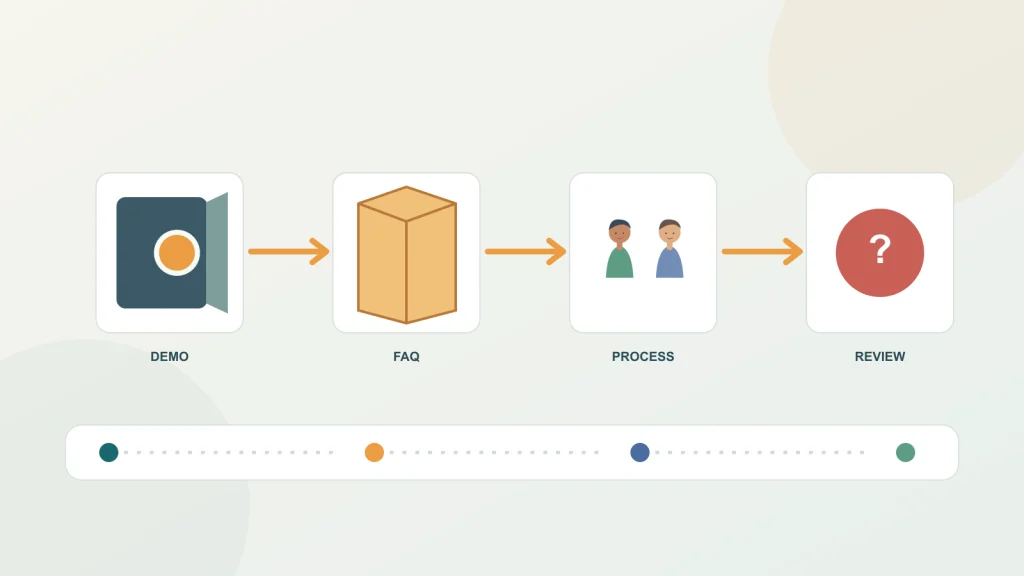
| Content pillar | Buyer question | Possible asset | Review needed |
|---|---|---|---|
| Product demonstration | How does this product perform one specific operation? | Real equipment, a safe step-by-step view, captions | Applicable model, conditions, and safety |
| Selection education | Which information should I confirm before choosing? | Specification sheet, drawing, annotated explanation | Engineering review of units and facts |
| Application context | How might a solution be considered in a particular scenario? | Authorized project material or labeled example | Permission and limits of any result |
| Frequently asked questions | What about compatibility, installation, delivery, or use? | Short expert answer or interview | Product, sales, or service owner |
| Factory process | What happens at a particular production or inspection stage? | Real work cell and accurately described steps | Quality or plant-side confirmation |
| Customer education | How should I inspect, maintain, or troubleshoot this model? | Tools, checklist, model-specific guidance | Technical and safety review |
A demonstration should show the real operation under stated conditions. A camera can document what happened in one demonstration; it does not prove universal performance. If a script mentions a rated range, lifespan, efficiency, or compatibility claim, confirm the supporting specification and applicable model before recording.
An application story should explain the question, constraints, solution considerations, and only those results that can be shared accurately. Customer names, testimonials, site footage, and performance figures require the appropriate permission and review. If no customer permission exists, make a general example and label it as such; do not imply an anonymous scenario is a real customer case.
A factory tour should match the current process and footage. Be careful about what is visible in the background: customer names, orders, personal information, drawings, or unreleased products may appear on screens or workbenches. Employee likenesses, customer sites, partner marks, music, images, and other assets may require permission. Keep the records with the production brief.
Write for the person asking the question, not for the camera
Before scripting, write a one-sentence answer to the buyer’s question. Then list the evidence, conditions, and details the viewer needs. If the answer depends on a model or operating condition, state that near the beginning rather than hiding it in the last frame. A concise definition can reduce confusion for viewers who encounter the video from search or a shared link without knowing the channel.
A simple outline often sounds more natural than a rigid word-for-word script: name the problem, explain the answer in a few steps, show the relevant evidence, and give one reasonable next action. For complex technical guidance, a fuller script can help keep terminology, model names, and units consistent. The expert should be able to explain an idea plainly; the editor can preserve that voice while removing repetition and checking the facts.
Do not begin with a long company introduction if the viewer clicked for a specific answer. State what the video covers, whom it applies to, and any important limit. If the clip only shows one part of a larger process, say so. A clear boundary improves trust and helps the right person decide whether to continue.
Captions support people who watch without sound and viewers who need text, but they also carry technical meaning. Create a terminology list for product names, units, and industry terms. Have a knowledgeable target-language reviewer check subtitles for meaning, not just spelling. A mistranslated unit or model can create a more serious problem than a slightly awkward phrase.
Plan the shot, rights, and review before filming
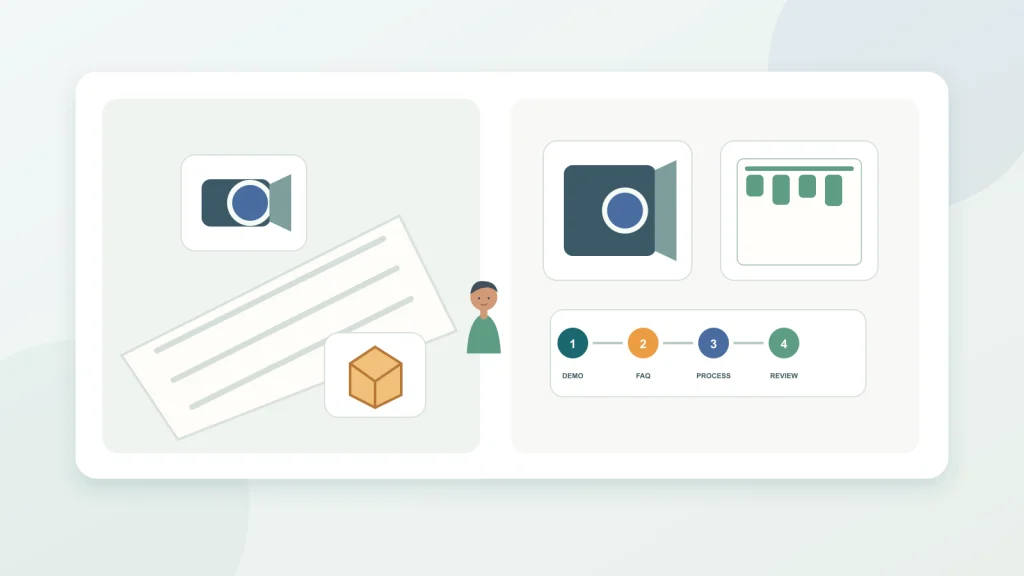
For each video, list the location, equipment, people, safety steps, and evidence. A shot list can be short: establishing view, close-up of the relevant component, one action, a supporting visual, and a clear ending. If the explanation requires a diagram, confirm that the source is approved and current. A camera cannot supply missing technical facts.
Separate public-facing material from internal material. Review the frame for order numbers, customer identifiers, unreleased drawings, and personal information. Get the relevant approval for employee or customer appearance and for any licensed music, photograph, or illustration. Record the purpose and scope of the permission. If a rights question is uncertain, resolve it before filming or replace the asset.
Keep the thumbnail and title accurate. YouTube’s help content advises creators about titles and thumbnails, while performance depends on how viewers respond after publication. Do not promise that a particular posting time, tag combination, upload count, or thumbnail style guarantees performance. Treat creative ideas as tests and retain the context needed to interpret the results.
A four-week “equipment selection” series
Week one could answer: “What information should a distributor gather before discussing equipment fit?” A short video can list the inputs without pretending to complete the engineering assessment. Week two could explain one selection parameter with a drawing and an example. Week three could address a common compatibility question, identifying when a specialist should review the application. Week four could demonstrate a pre-installation check for a specific model and link to the relevant documentation.
This is a planning example, not a recommended posting frequency. The team can extend the series if product review or localization takes longer. If footage is limited, an engineer might record a desk explanation or a product close-up. The team can batch-record several segments, but each finished video should still have its own question, opening, captions, evidence, and next step.
After each upload, record the title, thumbnail version, audience, traffic source, product/model, reviewer, link tags, and update date. That record makes future review easier. If prices, interfaces, certifications, or operating steps may change, assign a review date rather than assuming the video stays accurate indefinitely. A durable video library still needs maintenance.
Read YouTube analytics in context
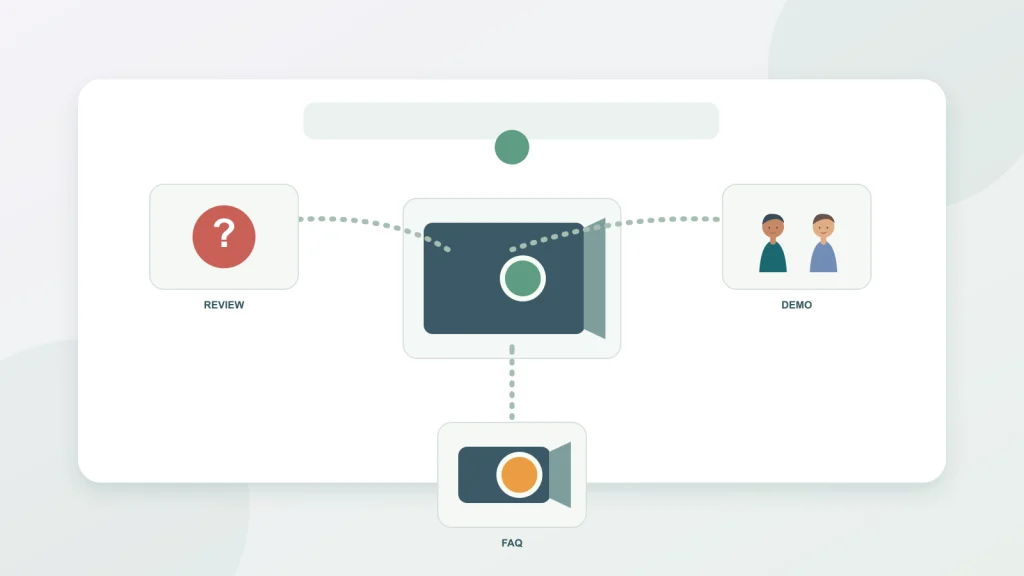
YouTube’s Reach report documentation describes impressions and how impressions led to watch time. That view can help diagnose whether people saw a thumbnail and whether viewing continued. A low click-through rate is not automatically a bad thumbnail, and a strong rate does not establish that the audience is commercially relevant. Compare videos with similar topics, traffic sources, and audience context where possible.
The checked YouTube Help page did not display a publication or version date. A human editor should verify the current report labels before publication. Keep the exact metric name, date, and source in the team report. Do not present current interface details as fixed facts when they have not been freshly confirmed.
If a video is intended to send people to a website, use the company’s campaign tagging rules and test the final link. YouTube views, Google Analytics sessions, and CRM inquiries are different records. Report them separately and document how they are connected. A sales representative may say that a video helped answer a customer question; record that as qualitative feedback, not as a verified conversion unless the business’s measurement process confirms it.
Use the pattern of response to ask the next question. If a video receives impressions but little viewing, check topic and packaging. If viewers click but leave quickly, review whether the video answers the promised question early enough. If viewers watch but do not visit the site, the next step may be unnecessary, unclear, or poorly matched. A video can still succeed as customer education without sending every viewer to a product page.
Build a useful production brief
| Brief element | Question to answer | Example entry |
|---|---|---|
| Audience and task | Who needs what answer, and at which stage? | Overseas distributor evaluating a model |
| Facts and limits | What can be supported, and under which conditions? | Model A only; confirm the operating environment |
| Shots and permissions | What product, location, people, and rights are needed? | Bench demonstration; hide customer identifiers |
| Next step and upkeep | Where should a ready viewer go, and when should this be checked? | Product guide; recheck specifications in 12 months |
This brief can prevent an expensive reshoot. If a script includes a pressure range, the brief should identify the model, unit, source document, conditions, and reviewer. If a value cannot be confirmed, remove it before the shoot. Adding a caption in post-production cannot compensate for a missing source or a misleading visual.
Consider production capacity when choosing a release pace. The work includes scripting, scheduling the expert, filming, editing, captions, translation, technical review, thumbnail, description, links, and future corrections. A consistent library of accurate answers is more useful than a short burst of uploads the company cannot maintain.
Seven steps to turn a topic library into a channel plan
- Gather buyer questions from sales, engineering, service, and site behavior; record the source and do not present one anecdote as market research.
- Group questions by discovery, comparison, supplier review, installation, and maintenance, then name the intended viewer.
- Write a one-sentence answer, conditions, evidence owner, shot list, and one appropriate next step for each topic.
- Estimate scripting, filming, editing, captioning, review, and rights-check effort before setting the publishing pace.
- Before filming, verify specifications, units, model names, safety steps, and permissions with the appropriate owner.
- Before publishing, check title, thumbnail, captions, description, destination link, and the final landing page.
- Review impressions, clicks, watch behavior, traffic sources, site actions, and sales feedback according to the video’s purpose; update stale information.
Keep ownership clear after the upload
Assign a channel owner, a backup publisher, and a technical contact for each subject area. The owner can maintain the queue and follow up on review; the technical contact verifies the claims. Do not make the person posting responsible for answering every engineering question from memory. Set a response route for comments that need a specialist, a distributor, or customer support.
Keep an asset library with raw footage, edits, captions, scripts, thumbnails, permissions, and a stable video ID. Use version names that can be understood later. If a product changes, the owner should be able to find all relevant videos and descriptions. Add an update note, correct the content, or unlist it if the old information could mislead. A publishing workflow without a correction path is incomplete.
Track licensing and permissions with the same care as technical claims. A video may contain a customer site, employee face, music track, partner mark, or a document in the background. If the permissions are limited to one use, do not assume they cover a later campaign or a different platform. When permission or legal scope is unclear, consult the responsible reviewer rather than guessing.
Plan an international production handoff
For each target market, decide whether the source video can serve the audience as recorded or needs a localized version. The answer may depend on technical terminology, units, captions, contact route, and the way a buyer searches for the topic. A translated subtitle file should not silently change an engineering condition. Keep a source-language script, approved terminology list, translation, and final caption file connected by a stable video ID.
Assign one reviewer who understands the product and one who understands the target language. The technical reviewer checks model names, ranges, and steps; the language reviewer checks clarity, tone, and natural phrasing. If one reviewer cannot assess both dimensions, do not assume that a grammatically correct subtitle is technically sound. Leave enough time in the calendar for that review, and record which version was approved.
Think about the contact action in each market. A US video might direct a viewer to a distributor locator or product page; another region might need a local contact or a different inquiry route. Verify that the link is available in that market and that the page carries matching language. A video can be globally viewable while its offer or support route is not globally available.
Local context also matters for examples and demonstrations. Check whether a measurement unit, electrical standard, installation practice, or commercial term will be understood in the intended market. If the detail varies by jurisdiction or product configuration, state the limit and send viewers to a qualified source. A subtitle cannot make a technically unsuitable instruction safe.
Use a production checklist that travels with the video
A concise checklist can reduce last-minute rework. Before filming, confirm the question, answer, model, evidence, setting, participants, safety steps, asset rights, intended market, and destination page. During editing, verify that the opening sets the scope, the visual shows what the narration claims, captions are synchronized, and no confidential information appears. Before publishing, check the title, thumbnail, description, link, language, permissions, and a human reviewer’s approval.
After publication, make a small maintenance record: what changed, which asset is affected, who approved the correction, and when the page or video was updated. If a key specification changes, the change may affect a script, subtitle, video description, product page, and sales resource. Connecting the assets makes the correction faster and reduces the chance that the old statement remains in circulation.
A checklist should help people notice real issues, not become a box-ticking exercise. If a video includes a safety-sensitive procedure, the relevant qualified reviewer must assess it; checking a box cannot replace that judgment. If a claim lacks evidence, the answer is to remove or narrow it, not to add a generic disclaimer beneath it.
Interpret performance without chasing an algorithm rumor
Teams often ask for a “best” upload time, ideal duration, or ideal number of tags. Those questions may be testable for a particular audience, but generic advice is not a guarantee. Build a hypothesis from your own channel: “Will publishing when our target-market audience is active change early viewing?” Keep other factors as consistent as possible, collect enough observations for the decision at hand, and document limitations.
A low-view video is not automatically harmful to the channel, and one strong video does not prove a repeatable formula. Check what the audience did after seeing the title and thumbnail, whether the topic matched the promise, and whether the content answered the question. YouTube’s own guidance emphasizes viewer response after publication; current performance depends on more than one upload setting. The checked Help page did not display a publication date, so recheck it before citing product details.
Use comments and sales feedback as additional signals. Viewers may ask a question that reveals the next topic, or sales may report that a particular explanation helped a distributor understand one point. Record the date, context, and role of that feedback. Do not turn a single comment into a broad demand claim, and do not assign a sale to a video without a measurement path that supports that conclusion.
Keep the channel useful for both discovery and follow-up
A video may be discovered through search, recommended content, a social share, a sales email, or an existing channel playlist. The production plan should not assume that every viewer arrives at the same stage. Put enough context in the video itself that a first-time viewer can understand the question, product, and limitation. Use the description and related resources to help a returning prospect find the next detail without forcing an immediate sales action.
For technical subjects, connect a video to the correct written reference. If a specification table or manual is the authoritative source, link to the approved page and make sure the link remains valid. The video can explain or demonstrate, but it should not silently replace a controlled document when a user needs exact instructions or a current specification. If the written resource changes, review whether the video still accurately summarizes it.
Playlists can organize videos around a buyer task, such as product selection, installation, or maintenance. Keep playlist names understandable and remove or reorder material when models change. A playlist is a navigation aid, not a guarantee that viewers will watch the entire series. Review whether the sequence makes sense for someone who enters at a later video.
Some videos should primarily support existing customers or sales teams rather than reach a broad audience. That is a valid editorial purpose. Label the objective internally and choose a fitting measure: whether the sales team can find and reuse the approved answer, whether a customer can complete a setup step, or whether the right support question reaches the technical team. Do not judge every asset by public view counts.
Finally, plan what the team will do if the video becomes inaccurate, gets a rights complaint, or receives a safety-related question. Name a reviewer who can pause distribution, update the description, publish a correction, or remove the asset when needed. A mature content plan includes a correction path as well as an upload path.
FAQ
How often should an export business publish YouTube videos?
There is no universal frequency. Base the plan on filming, technical review, translation, and maintenance capacity. A sustainable pace is more useful than a promise the team cannot keep.
Should we film a product demonstration or a factory tour first?
Start with the buyer’s most useful question. A demonstration can explain how a product works; a factory video can show an actual production or quality process when that detail helps the audience.
Can we repost a YouTube video on other social platforms?
You can reuse source footage, but adapt the crop, opening, length, captions, and next step. Check each platform’s current requirements and the rights attached to the assets.
Should we replace a thumbnail whenever click-through rate is low?
First review impression volume, traffic source, topic, and audience. A single rate or small sample cannot show that the thumbnail is the only cause.
How should we prepare subtitles for overseas buyers?
Maintain a product terminology list, use a translator familiar with the field, and have a target-language reviewer check models, units, steps, and safety instructions.
What permission is needed for a customer story video?
Confirm permissions for the customer name, people, site, statements, and data under the relevant agreement and company process. Do not publish identifying details without approval.
Do video views prove that YouTube generated inquiries?
No. Use tagged links, landing-page behavior, CRM lead stages, and a window that fits the buying cycle. Report view metrics separately from verified business outcomes.
Conclusion: build the question library before the upload schedule
YouTube content planning for export businesses works best when each video answers a real buyer question and has evidence, an owner, a production plan, and a maintenance date. Start with one topic cluster and a manageable set of videos. Review how viewers respond and whether sales or support can use the assets, then decide which subjects deserve more attention. Accuracy and useful education are more sustainable foundations than chasing a fixed posting frequency.
If the YouTube plan needs to connect with publishing and community workflows across other social channels, review Marketboo’s social media management services and clarify who owns filming, editing, captions, and responses.
If video topics should connect to product pages and search content, explore Marketboo’s SEO/GEO services and map the buyer questions to the site resources that can answer them.